Guide
IPTV application for Android: what you actually need
If you are weighing up an iptv application for Android, the real question is not “which app do I download” but “can my TV or TV box actually do it?”. This guide starts there: the specs that matter, when an Android television is enough and when a dedicated TV box is the better buy, and finally the players.
TV8Live does not sell hardware. This page helps you choose before you spend, so you do not end up with a device that cannot handle streaming. The apps mentioned here are independent third-party software used purely as compatible players: we do not develop them and we are not affiliated with their developers.
Five numbers to read before you buy
Online shops are full of claims that mean nothing. These five do.
| Spec | Minimum | Recommended | Why it matters |
|---|---|---|---|
| Operating system | Android 9 | Android TV 11 or later | Modern IPTV apps need recent versions. Check your TV settings. |
| RAM | 2 GB | 4 GB | Below 2 GB the video player and the app fight each other and menus get slow. |
| Codecs | H.264 | H.265 / HEVC | HEVC halves the data for the same quality. On a weak connection that is the difference between watching and stalling. |
| Network | Wi-Fi 2.4 GHz | Wi-Fi 5 GHz or Ethernet | 2.4 GHz reaches further but is slow. High-quality streaming needs bandwidth. |
| Video output | HDMI 2.0 | HDMI 2.1 | Older TVs may not accept 4K. Check the maximum resolution. |
The number your router advertises is not the whole story: what matters is the real speed reaching the device. If the signal is weak where the TV stands, an access point or an Ethernet cable solves more than any hardware upgrade.
Android television or a dedicated TV box?
The right question before spending money: is your TV already smart?
A television with built-in Android is enough
If your TV already runs Android TV, do not buy anything else: install a compatible player and paste your three details. Check the Android version in the TV settings first.
- One television, no extra cables
- No extra cost
- The TV remote is enough
If you only want to try TV8Live without buying hardware, the browser version is the easiest route.
A TV box makes sense when…
- your TV is old or not a smart TV
- you want to connect the TV by Ethernet
- you also use the television as a monitor
- you want to change device without touching the TV
The full buying guide, with budgets and what to avoid, is in how to choose the right TV box.
The question everyone asks on AliExpress
On Aliexpress and similar marketplaces you will find dozens of “Android TV boxes” from €15 to €150. The price difference usually tracks RAM, processor and firmware support — not some secret feature.
Rule of thumb: for streaming, 2 GB of RAM and Android 9 are enough. If a product does not state the Android version, the processor or codec support, that is a reason to look elsewhere, not a minor detail.
Make sure the device supports Wi-Fi 5 GHz and, ideally, an Ethernet port. A box with only 2.4 GHz Wi-Fi and 1 GB of RAM is unusable for high-quality streaming.
What to install once you have a device
Three of the most used players on Android and Android TV. Each has a dedicated guide with the exact steps.
Televizo
The easiest to configure: three fields and your list appears. Full guide →
Nanomid
Lightweight, works well on entry-level devices. Full guide →
Facile TV
The quickest route on Fire TV Stick. Full guide →
Televizo, Nanomid and Facile TV are independent applications developed by others. TV8Live does not develop, distribute or provide support for them: the guides here only show you how to use them with TV8Live login details. For player-specific problems, contact the developer.
Three fields, filled in once
The principle is the same on every platform: one player, three details, play.
- 1
Install a compatible player
Download it from the Google Play Store using the exact player name and check the developer shown in the listing. If it is not there, the app is not available for your device: change player rather than installing packages from unknown sites.
- 2
Enter the details from your email
The service host is tv8live.com. Your username and password are the ones in the activation email. Copy them character by character: a trailing space is the most common cause of a rejected login.
- 3
Press play
Your channel list now populates automatically. If it stays empty, restart the app and recheck the three fields. The full troubleshooting guide, covering every common error, is in why a channel will not play.
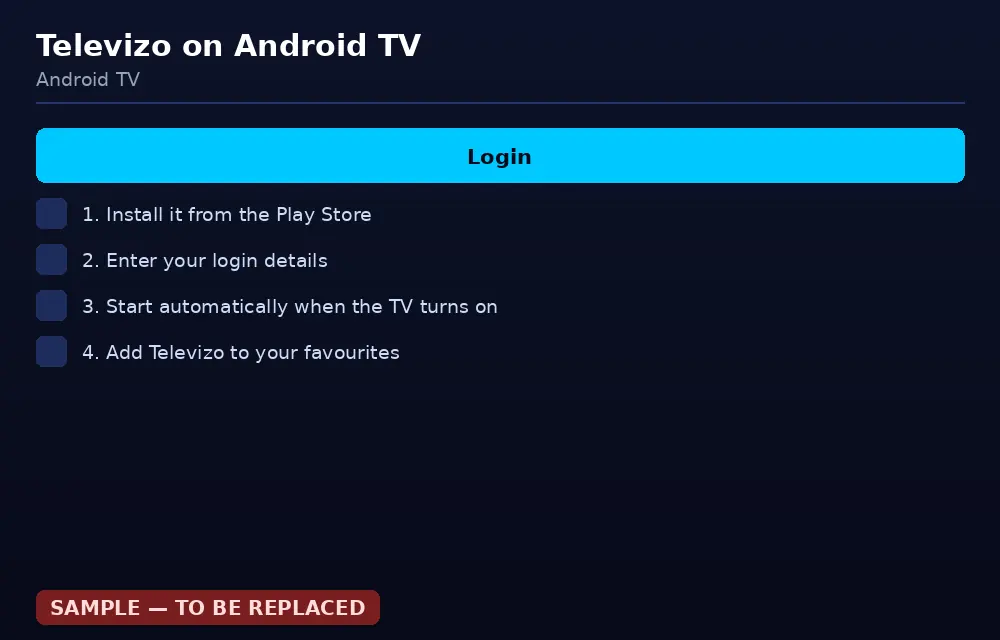
Example login screen on Android TV: fill in the three fields and sign in.
Common questions about Android and TV boxes
Which IPTV app should I download on Android?
There is no single app: TV8Live provides the service, you choose the player based on your device. On Android and Android TV the most used are Televizo, Nanomid and Facile TV. On Samsung televisions there is also Smart IPTV. In every case you need the same three details: host, username and password.
My TV has Android — do I still need a TV box?
If the TV runs Android TV and a recent version, no: install a player and you are done. A TV box makes sense if the television has no operating system, is very old, or if you want to connect it by Ethernet. Check the Android version in the TV settings before you buy.
Should I buy a TV box from AliExpress?
You can, as long as you know what to check: at least 2 GB of RAM, Android 9 or later, Wi-Fi 5 GHz support, HDMI 2.0 output and a documented processor. If the product page does not state the Android version, RAM or codecs, that is a reason to look elsewhere. The full guide is in how to choose the right TV box.
What else do I need besides the TV box?
An HDMI cable, the supplied power adapter, the remote, and a Wi-Fi or Ethernet connection. Some TVs have HDMI ports on the side: if it is wall-mounted, check that the cable reaches and that you do not need an extender. Setup needs the remote — your computer keyboard will not work on the TV's first-run screens.
Does it work on Fire TV Stick?
Yes. Fire TV Stick runs Android TV, so compatible players work. The shortest install procedure is in the Facile TV guide. One caveat: on recent 64-bit devices some apps are not optimised and can feel slow.
Got the device? All you need now are the details.
Start the 24-hour trial for €1 and see whether the quality convinces you. Nothing charged for 24 hours.