Buying guide
IPTV with a box: how to choose the right TV box
A TV box is the cheapest way to bring IPTV to a television that has no operating system, or to give a second life to an old screen. This guide covers the five specifications that actually matter, what to expect to spend, and the signals that mean you should look elsewhere. We do not sell hardware: this is about choosing well, before you buy.
The five specifications that matter
Online shop product pages are full of claims that mean nothing: “8K support” on a 4K television, “fast processor” without saying which one. These five pieces of information, on the other hand, tell you whether the device will actually be useful to you.
| Spec | Minimum | Recommended |
|---|---|---|
| Operating system | Android 9 | Android TV 11 or later |
| RAM | 2 GB | 4 GB |
| Processor | Quad-core | Quad-core 64-bit |
| Video codecs | H.264 | H.265 / HEVC |
| Connectivity | Wi-Fi 2.4 GHz | Wi-Fi 5 GHz and Ethernet |
The processor matters less than it looks: for video streaming, which is highly repetitive work, what counts is codec support and hardware decoding. A mid-range chip with HEVC is better than a fast one without.
Wi-Fi 5 GHz or a cable: the difference you will notice
2.4 GHz Wi-Fi reaches further but is slow, and in a flat it is often crowded. For high-definition streaming, 10 Mbps is the minimum: 5 GHz provides that comfortably. If you can, use Ethernet — a TV box with an Ethernet port costs ten euros more and removes the argument entirely.
Before buying, measure your network speed where the TV actually stands. If Wi-Fi only reaches a few megabits, the box is not the problem: move the router, add an access point, or run a cable. No processor compensates for a slow network.
What to expect to pay
The useful price range for a TV box that works with IPTV starts around 25 euros. Below 20 you will find devices with 1 GB of RAM and Android 8: they work, but they struggle the moment you open more channels or switch programmes. Between 35 and 60 euros is the sweet spot. Above 100 you are paying for brands and specs that IPTV does not need.
Always check that you can add a USB Ethernet adapter. It is the difference between a stable stream and one that keeps stopping.
What to avoid
- Preloaded channels. A box sold with channels already configured almost always contains pirate lists. Format it and use only your own service.Non-updatable firmware. If the manufacturer releases no updates, the device is useless within two years.Undeclared specifications. If the product page does not state the Android version, RAM and codecs, you are buying blind.Models with 1 GB of RAM. Enough for the home screen, not for streaming.
Initial setup in five minutes
- 1
Plug it in and switch on
Connect the box to the TV over HDMI, plug in the power supply and turn the television to the right input.
- 2
Choose language and network
Follow the first-run screens and connect via Wi-Fi or Ethernet.
- 3
Update the firmware
Most boxes update themselves on first boot. Let it finish: skipping updates causes surprises later.
- 4
Install a player
Find a compatible player in the app store. Our guides point at the most used ones: Televizo or Facile TV.
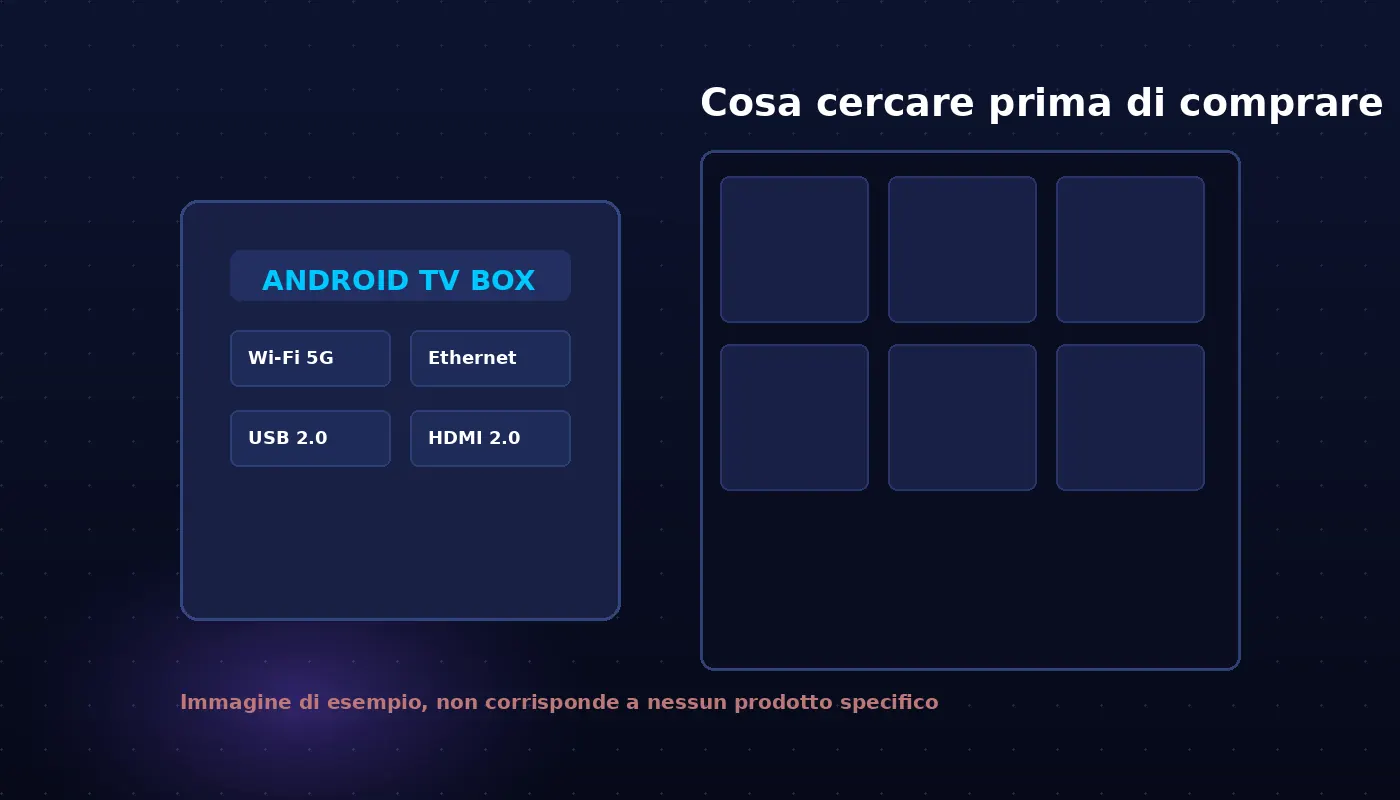
The specifications to check before buying. - 5
Enter your details and watch
Paste host, username and password, press play. If you would rather compare first, the browser version works right away.
Where to buy, and what to watch out for
Marketplaces such as Aliexpress, Amazon and specialist shops are the normal channel for these devices. A few simple rules: read reviews looking for ones with photos, be wary of boxes advertising channels already set up, and check that the seller is identifiable.
TV8Live does not sell hardware and is not affiliated with any manufacturer or marketplace mentioned in this guide. Store names appear only as examples of where these devices are bought.
If you would rather buy nothing, the quickest route is the online player: open your browser and watch immediately, to find out whether streaming is for you at all.
Need the article or the service?
The 24-hour trial charges nothing and does not renew. Login details arrive by email within seconds.
The 24-hour €1 trial charges nothing, does not renew and gives you immediate access with your own three details. If the article answered your questions but you want to see first, this is the fastest route.