Online player
TV IPTV player online: nothing to install
Have a computer and want to see whether streaming is for you before buying a TV box? The TV8Live online player opens in your browser: sign in with your details and watch. No install, no setup, no player to download.
It is the easiest way to try the service, and it is also perfectly usable for real viewing if your television is connected to your computer. It works on Windows, macOS and Linux, and on tablets if you want a different screen.
All you need is an up-to-date browser
No plugins, no external player, no codecs to install by hand.
You need
- An up-to-date Chrome, Edge, Firefox or Safari
- A stable internet connection (10 Mbps recommended)
- Your three TV8Live login details
- An active subscription, even the €1 trial
You do not need
- A TV box or HDMI dongle
- An app to install
- A Google account or another subscription
- A charge for the trial
Three steps in the browser
From first login to first channel in under two minutes.
- 1
Open the player and sign in
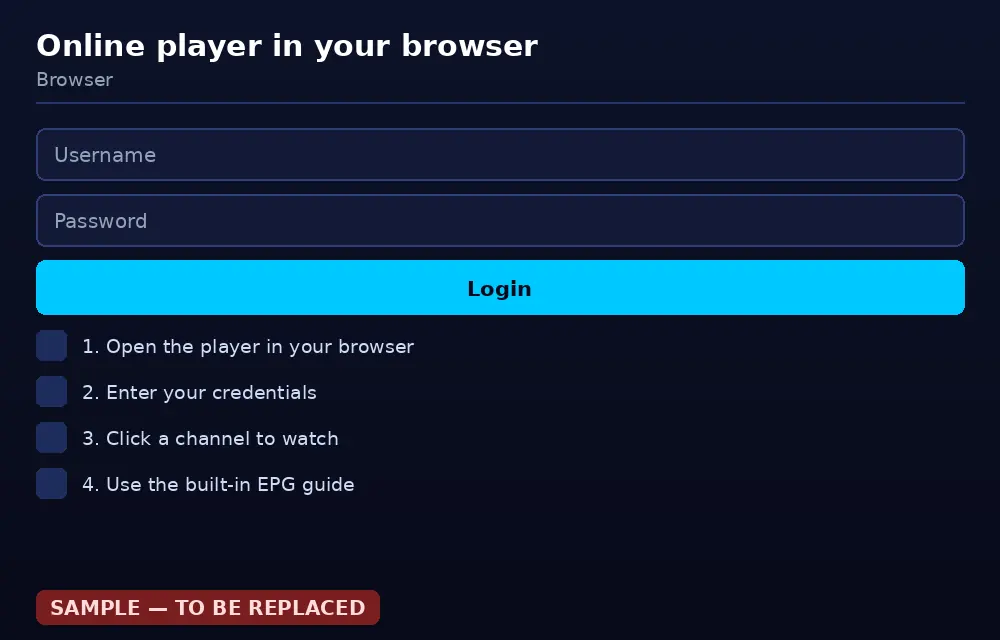
Go to the online player page and enter the host (tv8live.com), your username and your password from the activation email. There is no sign-up: use the details from your own subscription.
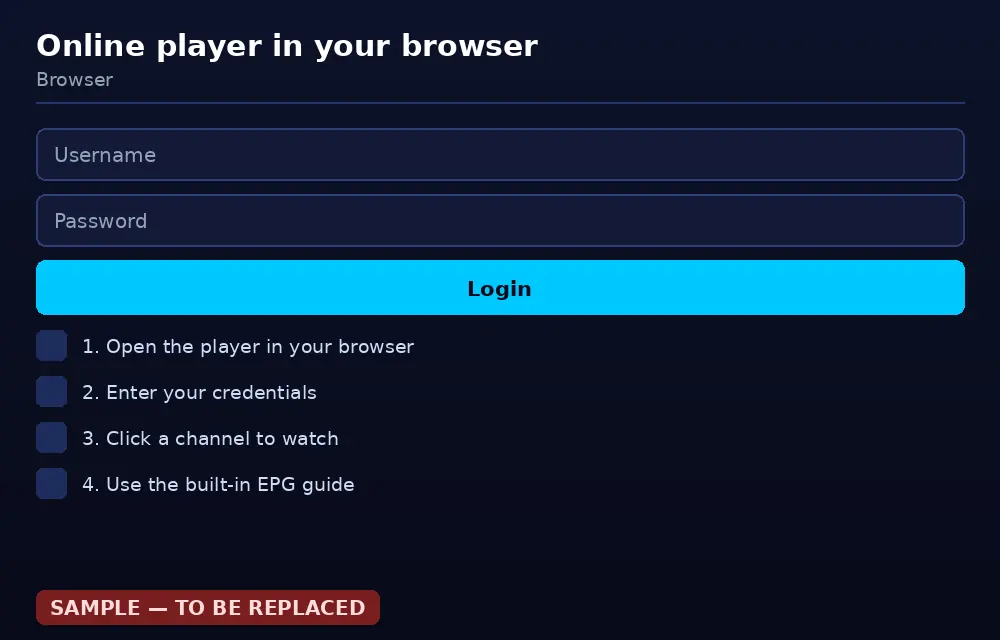
The login screen: three fields, no registration. - 2
Pick a channel
Your channel list appears once you are in, grouped by category. Choose one and press play. The built-in electronic guide shows what is on right now.
The channel list with the electronic guide next to each channel. - 3
Move to the TV when you want
If your computer is connected to the television with an HDMI cable, you can switch the video output to the TV. From then on the player acts as the source: the details stay the same, and you see the same channels you would on a TV box.
When watching in the browser, the player tab must stay active: pressing another tab pauses or blocks the video. Some browsers ask for permission to autoplay — accept it when the prompt appears.
Online player or dedicated app?
Both work. It depends on where you watch and what you prefer.
| Online player | Dedicated app | |
|---|---|---|
| Install | None — it opens in the browser | One app from the store |
| Extra cost | None | None |
| On a TV | Only if you connect the PC with HDMI | Native, no cables |
| Interface detail | Good for getting started | Better: EPG, favourites, recording |
| Bandwidth use | The same | The same |
| Best for | Trying it now, occasional viewing | Daily viewing on the television |
If you are considering a new television or a TV box, the IPTV application for Android guide explains which specs to look for.
Common questions about the online player
What is an online IPTV player?
It is a player that runs inside your browser page, with nothing to install. You enter the three details of your TV8Live subscription and you get your channel list. It needs no plugins, no dedicated codecs and no app download: it is the quickest way to find out whether the service suits you.
Do I have to pay to use the online player?
You need an active subscription, including the 24-hour €1 trial, which charges nothing for 24 hours and does not renew. The player itself is free: there is no install or licence cost.
Does it work on every connection?
It works with an active subscription, but there is a limit on simultaneous connections that varies by plan: the monthly plan allows two, the yearly plan three. Every device open at the same time uses one connection. Going over the limit can stop the stream on all devices at once.
Do I see the same channels as in the app?
Yes. The catalogue, the live channels and the VOD section are identical: only the interface changes. Some advanced features, such as recording, are available in the native players and not in the browser.
How do I move from the browser to the TV?
Connect the computer to the television with an HDMI cable, set the TV to the right input and select the player window as the video source. Your details stay the same. If you want a cabled, independent solution, a TV box is the better choice: the Android guide explains what to look for.
Try it in your browser now
Twenty-four hours free, then one euro. If you would rather watch on a television, our guides cover every device.