This guide shows how to use an independent player with TV8Live login details. TV8Live does not develop, distribute or support this software and is not affiliated with its developer: we do not use its logo and we do not offer support for the player itself. For access to the TV8Live service message us on WhatsApp; for player-specific problems contact the developer.
Before you start
Nanomid is a good choice if your television or TV box is dated: it is a light player that runs well with little memory, and its interface is among the simplest. If you want something more full-featured, Televizo fits better.
You need
- An Android or Android TV device
- Your three login details from the activation email
- At least 100 MB of free storage
You do not need
- {icon("cross")} Another IPTV subscription
- {icon("cross")} A paid app — players are free
Not sure what to buy? Read the Android guide. If you would rather install nothing, try the online player.
Step-by-step
- 1
Search for the app in the Play Store
Open the store and search for Nanomid. Before installing, check the developer's name: several similar-sounding apps have nothing to do with the player.
If you cannot find it, use Televizo.
- 2
Install and launch
Tap «Install” and wait. The app is small and light, which makes it suitable even for entry-level televisions and boxes. Launch it from the apps menu.
- 3
Tap the login button
On launch you see the home screen with channel categories and, at the bottom or in a corner, the Login button or a settings icon with a «Login” entry. Tap it to reach the access fields.
- 4
Fill in host, username and password
Enter the host tv8live.com plus the username and password from your email. Copy them exactly, without adding spaces.
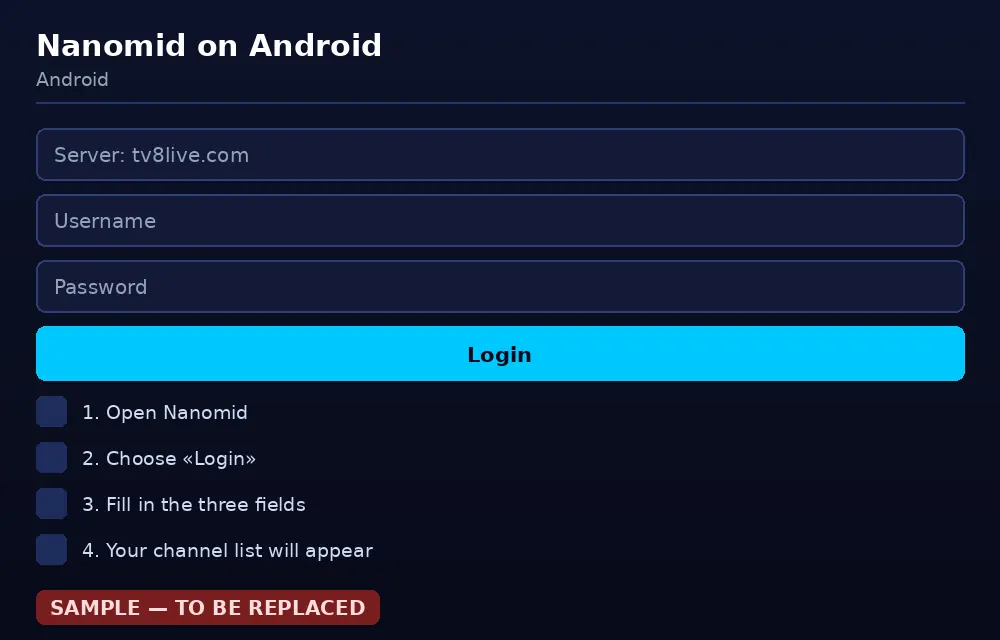
Host, username and password: the three details you receive by email. - 5
Tap login
Confirm. On first load the player downloads the catalogue: wait without closing the app. If nothing happens after thirty seconds, check the connection and start again.
- 6
Browse the list and pick a channel
Once inside, channels are organised by category alongside the VOD section. Tap a channel to start playing. Navigate with the remote, the touchpad or a USB keyboard.
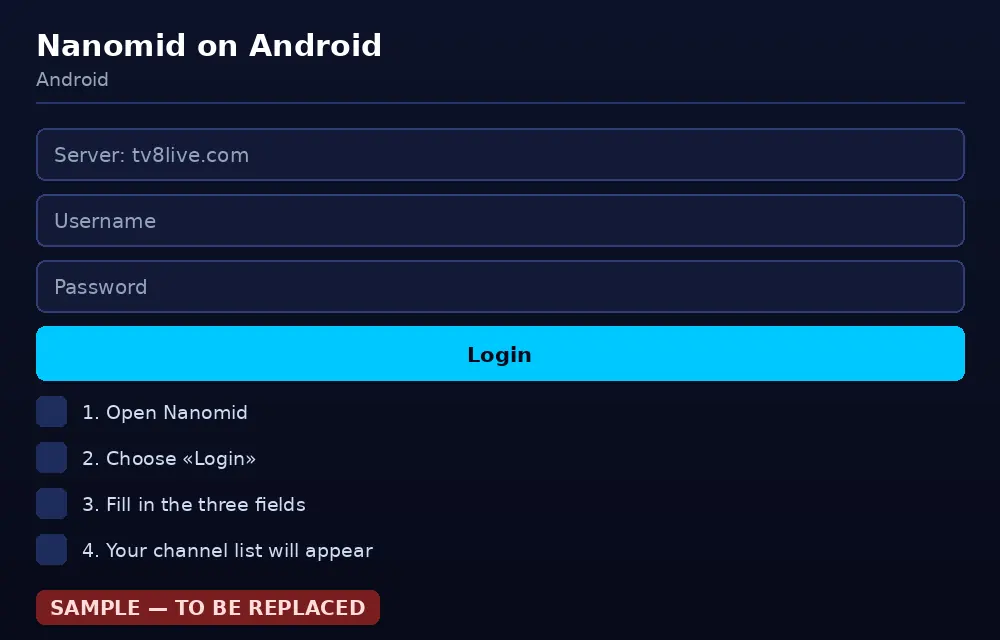
Your channel list appears right after login, with no further setup. - 7
Personalise your setup
The player settings hold options for theme, text size and favourites. Save the channels you watch often so they are the first thing you see at launch.
Enable autostart from the system settings, as described in the Televizo guide.
If something goes wrong
Before reinstalling anything, work through this table. Problems are listed from most to least common, and the cause is almost always a typo or the connection rather than your account.
| Problem | Likely cause | What to do |
|---|---|---|
| The app is not in the Play Store | Not available for your device | Do not use external APKs: use Televizo or the online player. |
| Login rejected | Details typed incorrectly | Re-copy the three details from the email. The host is tv8live.com. |
| The list will not load | Interrupted first load or no connection | Restart the player, check the network and try again. |
| The player closes by itself | Not enough memory on the device | Free space by deleting unused apps and restart the television. |
| «Unable to decode» | The channel's codec is unsupported | Update the television firmware if an update is available. |
| Constant buffering | Weak Wi-Fi | Move the device closer to the router or use an Ethernet connection. |
| No electronic guide | EPG data not available for the channel | That is normal — some channels have no guide. Reload the list. |
FAQ
What is Nanomid?
Nanomid is a free IPTV player for Android and Android TV, lightweight with a minimal interface. Its selling point is simplicity: three fields and you are in. It suits entry-level devices with little memory.
Nanomid is not in the Play Store. Now what?
If it does not appear in your device's official store, do not download APKs from third-party sites. Use a player available officially, such as Televizo, or watch through the TV8Live online player with nothing to install.
Does it work on Fire TV?
Fire TV runs Android TV, so in principle yes. If the app is not optimised for recent 64-bit devices it may be slow: the Facile TV guide is the shortest route on Fire TV.
The player freezes on my television — what can I do?
Common on televisions with little free storage or a weak processor. Delete unused apps to free memory, restart the television and try a lighter player.
Can I change the look of the player?
Many players let you choose a theme and layout. The exact options depend on the version: look in the player settings or preferences. It has no effect on streaming quality.
Next step
If you do not have an active subscription yet, the 24-hour €1 trial gives you immediate access with nothing charged required. If you would rather install nothing, the TV8Live online player runs in your browser. For anything else, start with the FAQ.